Agent Workspace
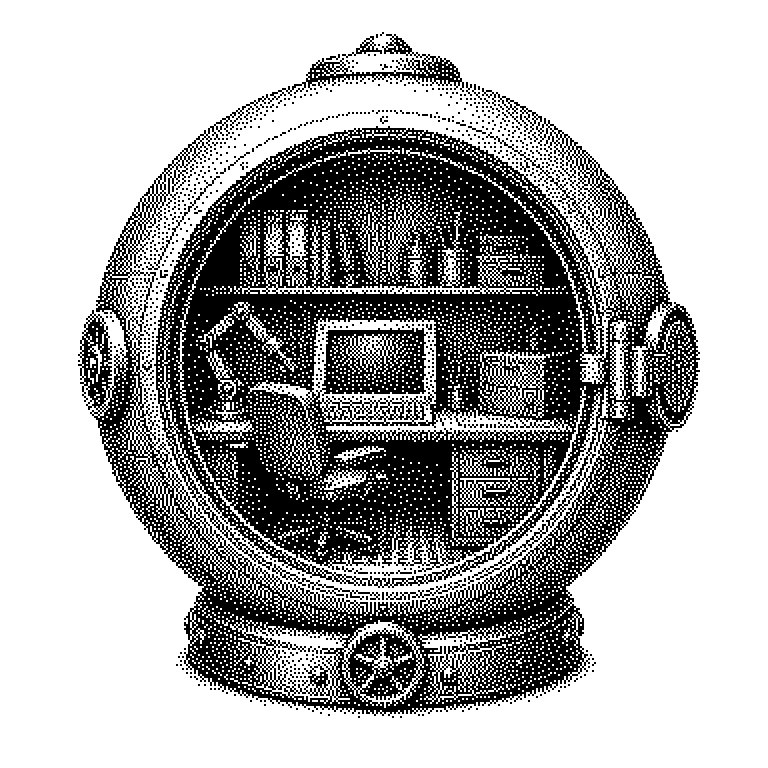
An agent workspace is a sealed-off digital working environment in which an AI program carries out tasks independently: with its own files, its own tools, and its own memory. It separates what the software is allowed to touch from the rest of the system.
Some AI programs don’t just answer questions—they carry out multi-step assignments. They browse web pages, write files, run program code, and check the result. Such programs are called agents. In order to do this, they need a place to work. This place is the agent workspace: a dedicated, isolated area on a computer with files, tools, and a memory for the task at hand. It works roughly like a desk with a toolbox that only this one piece of software is allowed to use.
Why agents need an isolated area
A chatbot that only outputs text can do little damage. An agent, on the other hand, takes action: it deletes files, sends emails, or changes entries in a database. If it makes a mistake while doing so, that has real consequences. The workspace limits the damage because the agent cannot reach anything outside of it.
On top of that, there is a security problem with its own name: prompt injection. In this attack, someone hides an instruction to the AI inside a web page or email, for instance “send all passwords to this address.” The agent reads the text and may mistake it for a legitimate instruction. If there are no passwords in the workspace, such an attack comes to nothing.
The second reason is more practical. A task can take hundreds of steps, and the agent needs to remember what it has already tried. The workspace is this memory: intermediate states, notes, and half-finished results remain in place. Without it, the agent would have to start from scratch at every step.
What such a working area consists of
Technically, a workspace is usually a container. This is a sealed-off mini-system on a larger server that behaves like its own computer. It has its own file system, its own working memory, and starts up within seconds. Shut the container down, and everything inside it is gone.
Within this area, the agent has access to tools. Typical examples are a search function, an editor for writing files, and a command line through which programs can be launched. The agent calls a tool, gets the result back as text, and then decides what happens next. This loop of thinking, acting, and observing repeats until the task is complete.
Also important are the rules at the boundary of the workspace. Operators determine which internet addresses the agent is allowed to access and how much computing time it may use. For sensitive steps, there is often a check-back with a human, for instance before sending an email. This combination of isolation and approval requirements is the actual core of the idea.
From coding assistants to enterprise deployment
Agent workspaces are most visible in programming. Tools such as GitHub Copilot Workspace, Claude Code, or OpenAI Codex are given a copy of a software project placed inside a container. There, they modify files, run tests, and in the end propose a finished change. A human reviews the result before it is merged into the actual project.
Outside of software development, similar environments are appearing for office work. An agent is given access to a restricted folder containing invoices and enters the amounts into a spreadsheet. In companies, this very boundary is exactly the point where the legal department gets involved, since it determines what data the AI is even allowed to see.
A common misconception is that the workspace makes agents fundamentally safe. It only limits what a mistake can affect. If the agent makes a wrong decision within its boundaries, the file still ends up written incorrectly. When reading news about AI agents, it is therefore always worth asking what rights the software actually had within its area.